
- Home
- CrossConnect
- Modules
- Flow Assurance
Flow Assurance
Why is Salesforce slow, and which part of its supporting network should we inspect?
Explore Flow AssuranceA named business application is slow or unavailable, and the team needs to trace its supporting network context.
The application owner has a service name while the network team has devices and interfaces. Neither starts with a shared record that connects the application to its supporting path.
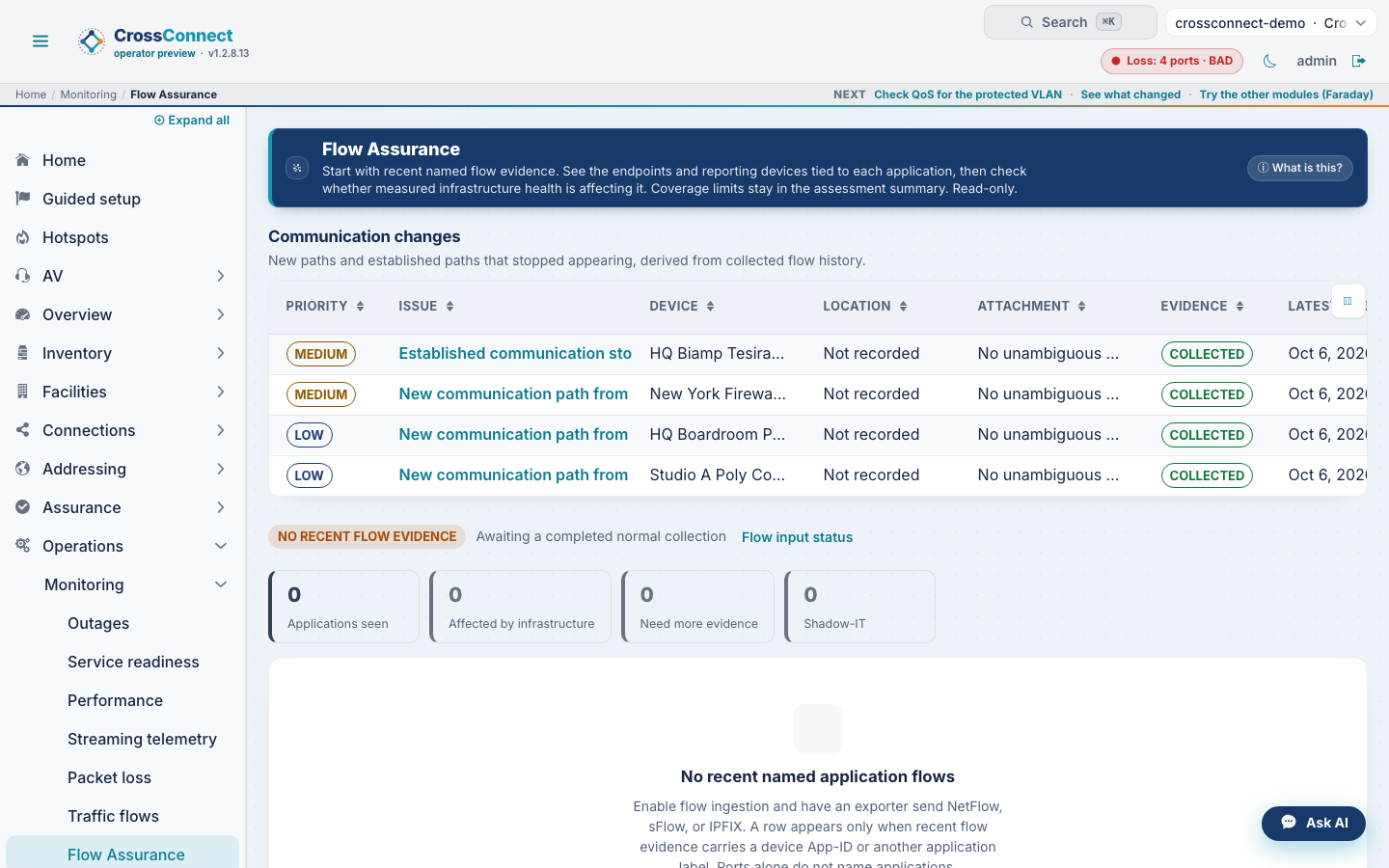
An application owner reports that Salesforce is slow. Flow Assurance starts with the named application, then shows its endpoints, the supporting network path, and the health evidence for that path.
Begin with the application, then trace the network evidence that supports it.
- Connect an observed application to its endpoints, reporting device, and available inferred fabric path.
- Show whether the available supporting-device health evidence identifies a local fault or leaves the cause unresolved.
Trace the application from a flow record to its supporting network evidence.
- Uses available flow records to name observed applications and their endpoints.
- Relates the application evidence to reporting-device health and an inferred fabric path when those records are available.
Demo controls are loading.
Open Flow Assurance in the record.
Open the resulting view, then review the evidence and the next safe action beside it.
Salesforce detail with the supporting path
Connect an observed application to its endpoints, reporting device, and available inferred fabric path. Show whether the available supporting-device health evidence identifies a local fault or leaves the cause unresolved.
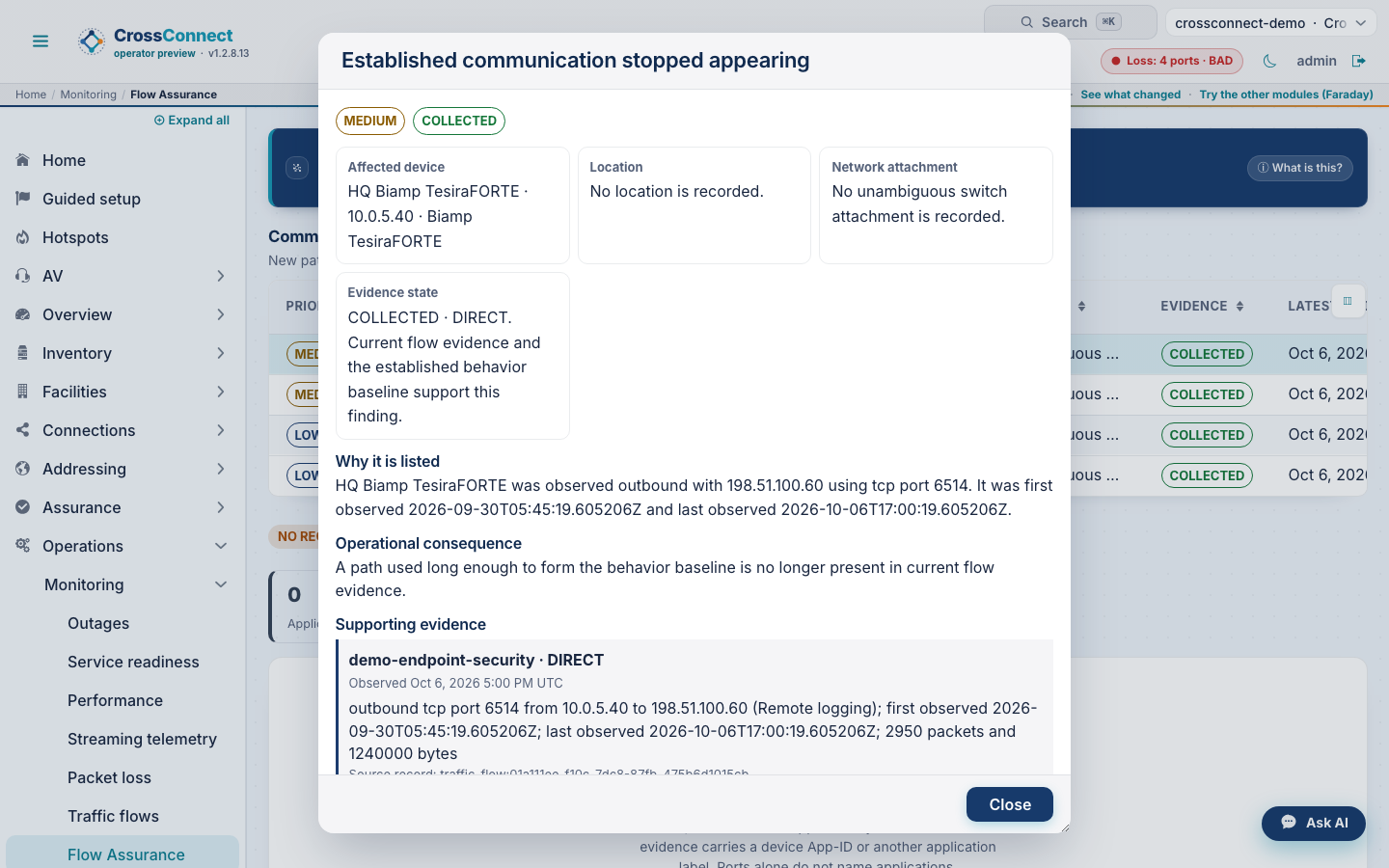
Evidence and interpretation
Uses available flow records to name observed applications and their endpoints. Relates the application evidence to reporting-device health and an inferred fabric path when those records are available.
- The named application, its observed endpoints and the device reporting the flow.
- The application’s supporting switches, routers and inferred fabric path.
- The device and interface health evidence behind the incident answer and next action.
Investigation steps
- Begin with the reported application, such as Salesforce, and inspect its endpoint record.
- Follow the supporting path to the named switches, routers and interfaces.
- Compare health evidence along that path to locate the supported network fault and its affected scope.
Verify the result
- After the network check or repair, compare the application symptom and the supporting path health in the same window.
- Use the flow and topology record to support the local network conclusion while keeping provider and end-to-end scope separate.
Scope of the conclusion
Flow records and topology evidence do not prove provider health or an end-to-end forwarding path. Missing coverage remains unresolved.